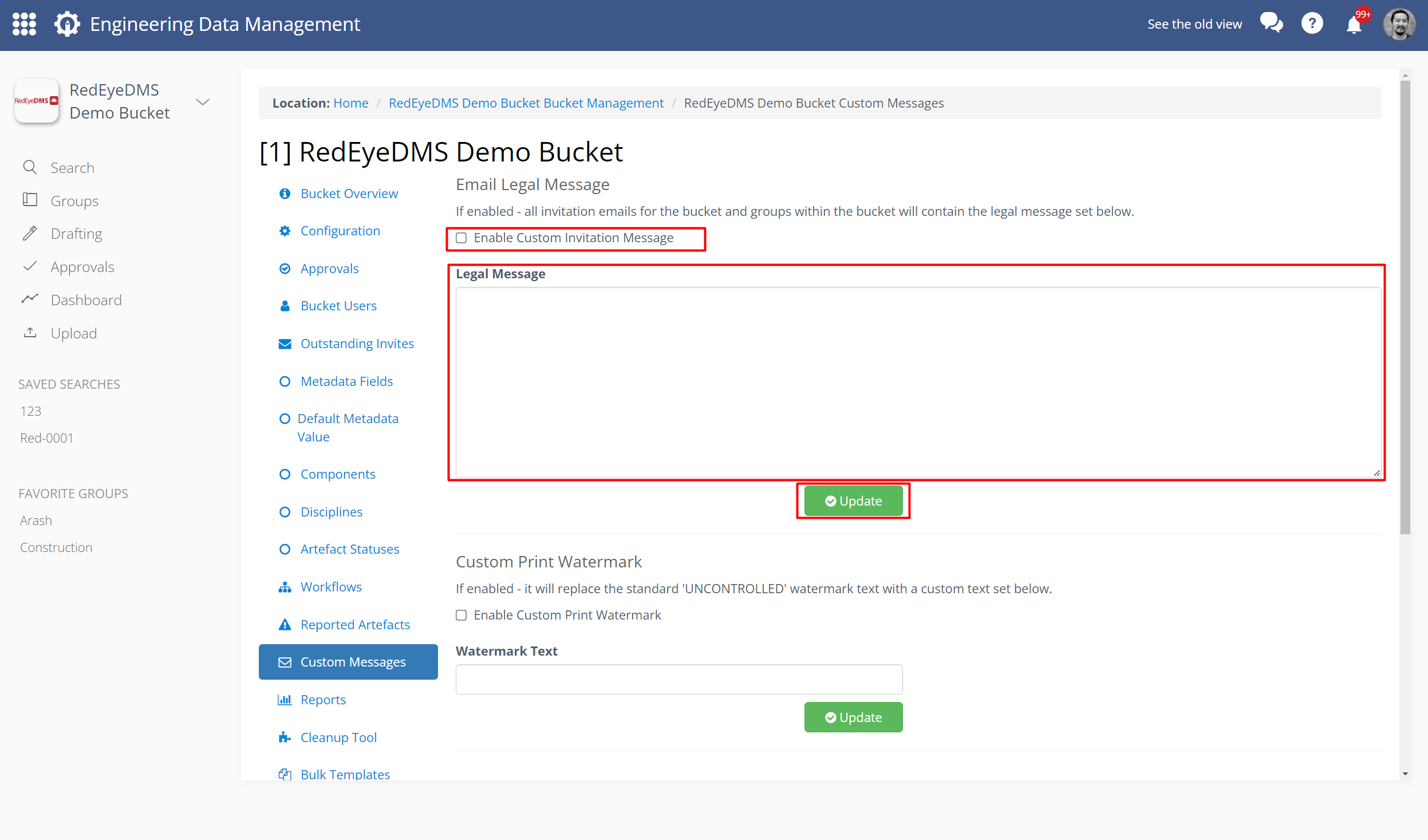
Bucket Administration: Configure Custom Messages
RedEye provides automated notifications at a variety of points, such as when a user receives an invitation to join a Group or Bucket.
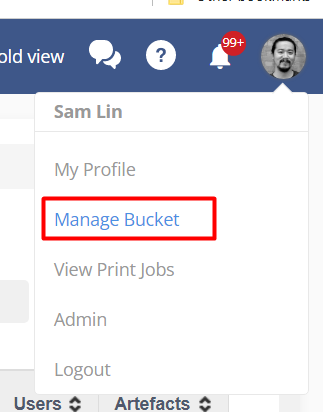
To configure these messages, you can access Bucket Administration tools, you can access Manage Bucket page via the profile icon on the top right of the interface
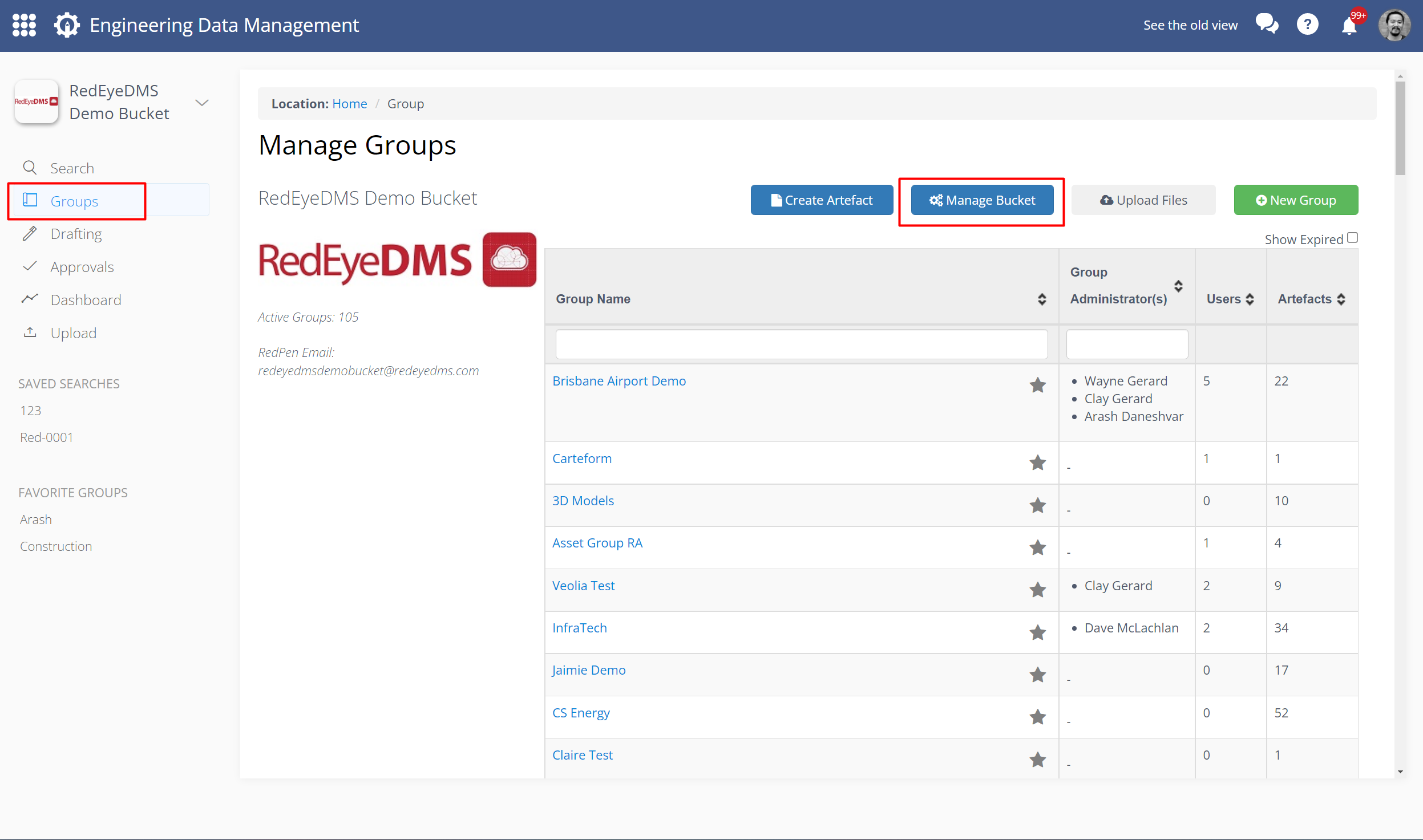
Alternatively, click Groups from the navigation bar, and then select Manage Bucket.
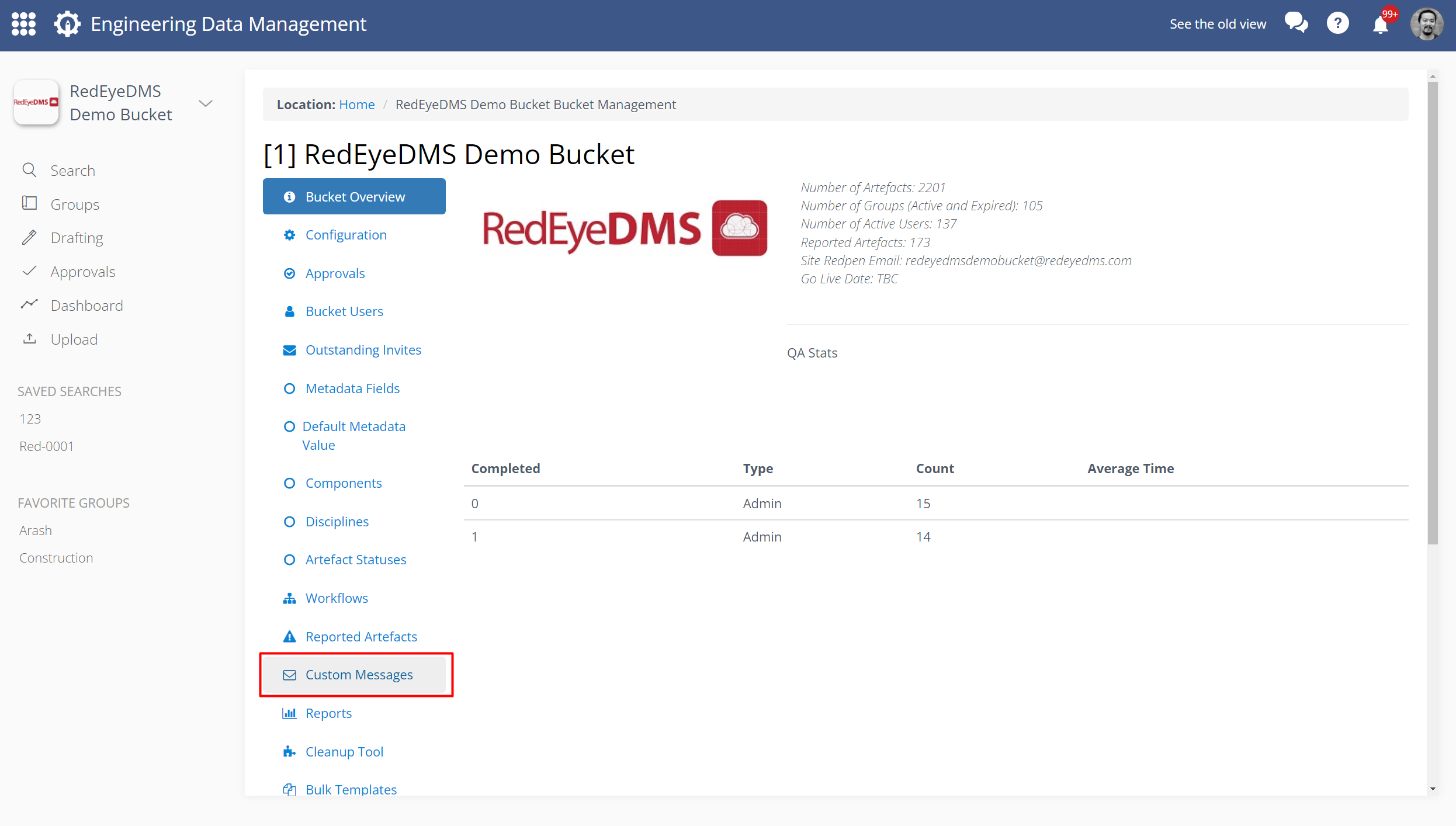
Now select Custom Messages.
From the available message events, select the relevant Enable check box, and then input your custom message in the text field. Click Update when you are complete.